Storage
Mobile Storage.
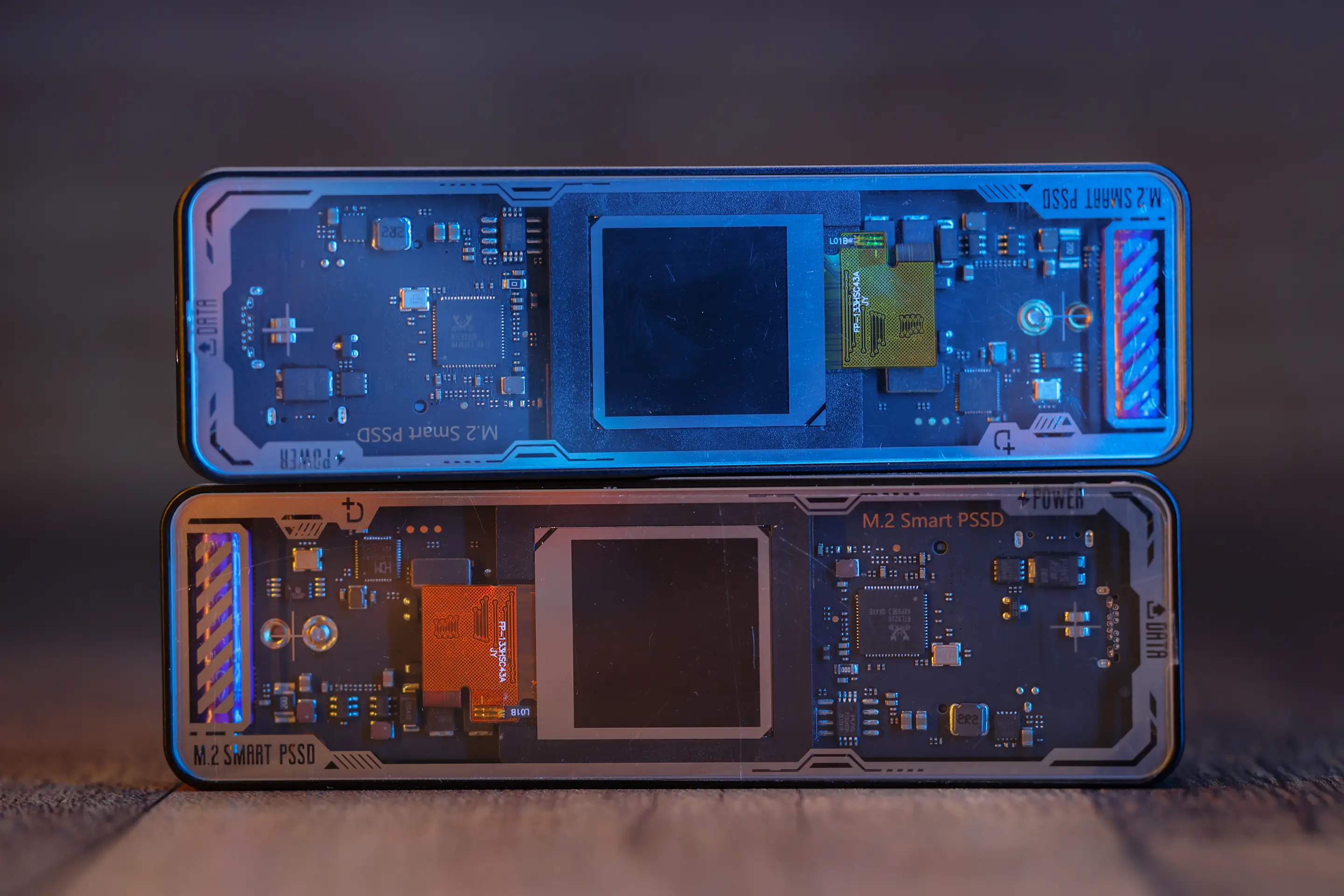
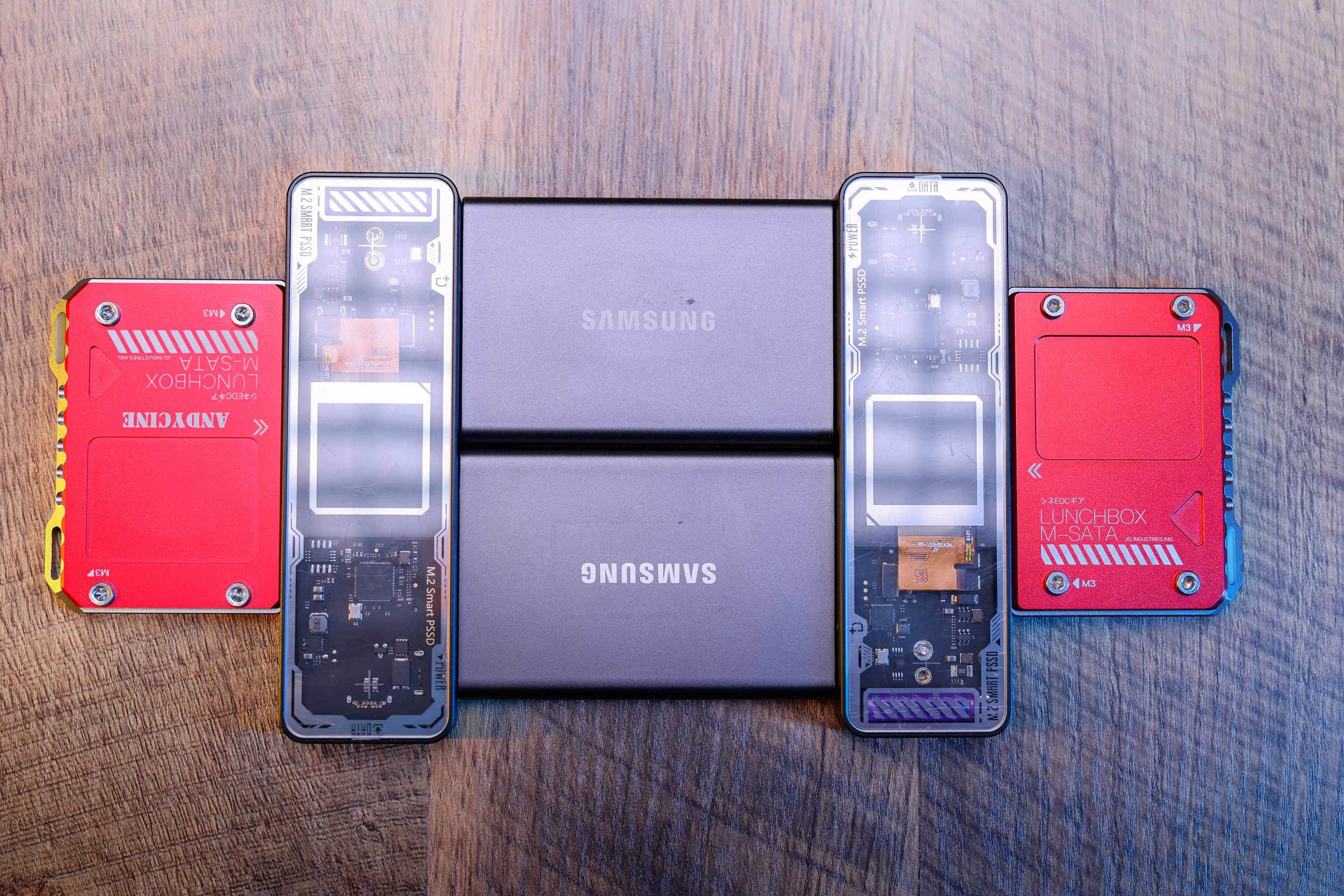
Rugged portable SSDs for on-location offloads. Every card is copied to two separate drives before it is ever formatted — your footage is never in only one place.
Specs
- Type
- Rugged portable SSDs
- Role
- On-location card offload and travel copies
- Configuration
- Carried in pairs — two independent copies of every card
The drives that ride in the bag.
Rugged portable SSDs are the bridge between a full memory card and the archive back at the studio. They're solid state, so there's no spinning platter to worry about in a truck bed or on a gravel road, and they're wrapped in something that can take a drop off a folding table without becoming an insurance claim. Nothing about them is exciting. They just have to work every single time, in a hotel room at midnight, on a laptop running on battery.
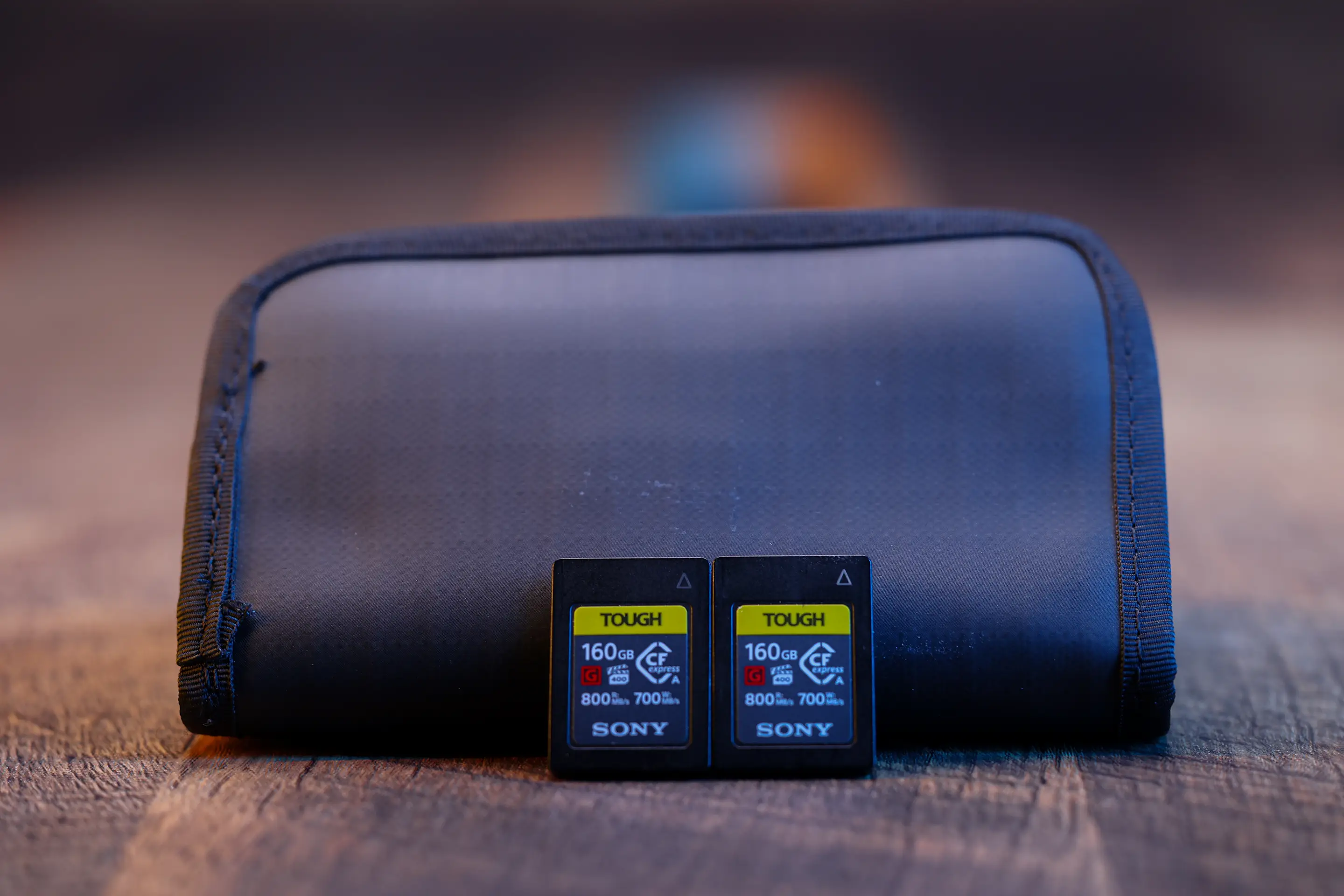
The moment a card comes out of the camera it goes into a case, and at the first real break in the day it gets copied — twice, to two physically separate drives. Those two drives then travel separately. One stays with the shooter, one goes in a different bag or a different vehicle. That sounds paranoid until you've thought through what a stolen camera bag actually costs when the only copy of a wedding is in the same bag as the camera.
Offload discipline.
The offload is the most dangerous part of the job, because it's the part that happens when everyone is tired. So it follows the same steps every time, and the steps don't get skipped because it's late.
- Copy every card to two separate SSDs, verified — a checksum, not just a completed progress bar.
- Never format a card until both copies exist and both have been verified.
- Cards stay full and stay in the case until the footage is on the studio archive as well.
- The two SSDs travel separately, so no single bag, seat or vehicle holds the only footage.
- Drives are labelled by shoot, not by number — the label tells you what's on it without plugging it in.
Where they fit in the backup chain.
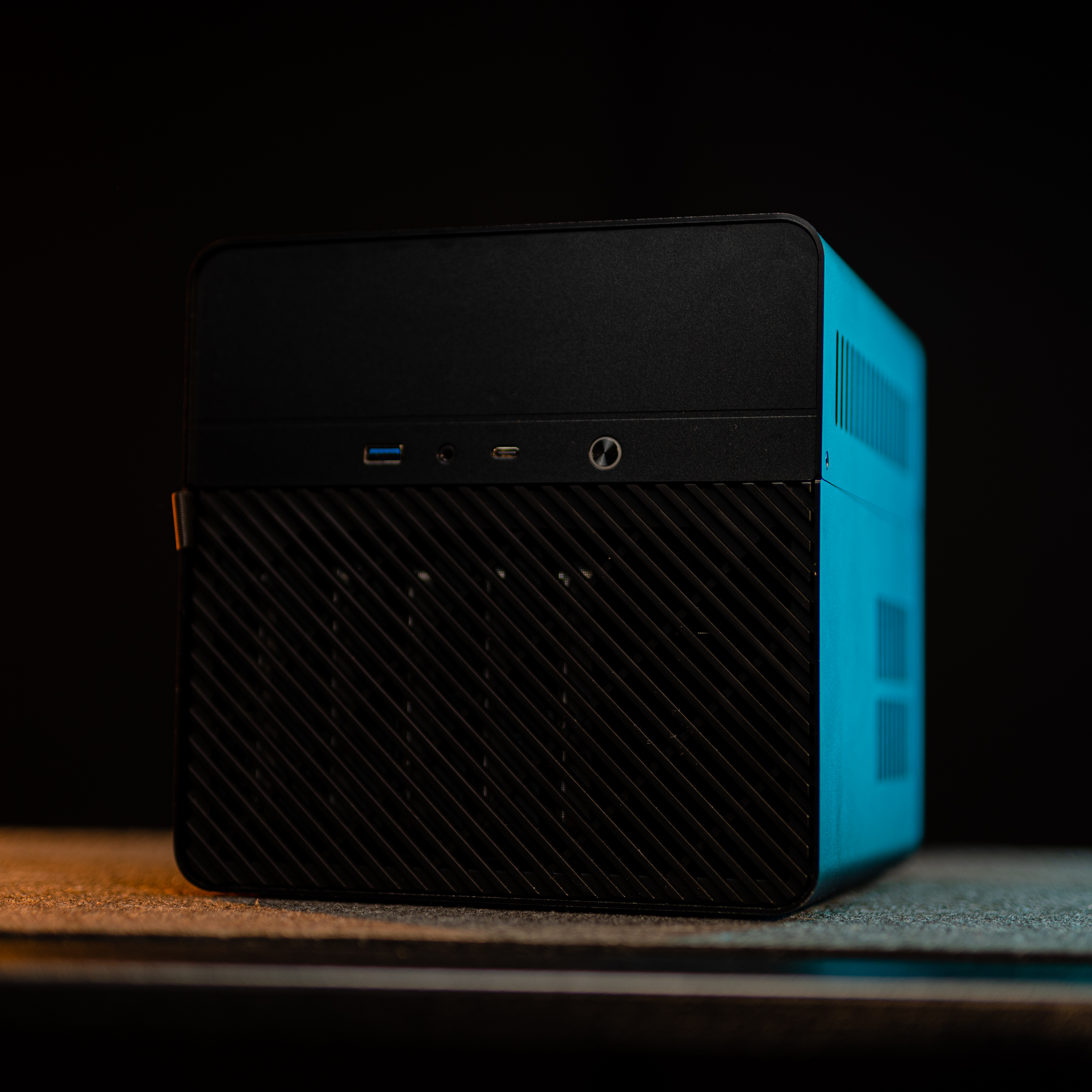
These SSDs are the middle rung of a three-rung ladder. The card is where the footage is born, the portable drives are where it survives the trip home, and the NAS archive is where it lives permanently. Each rung only lets go once the next one has a confirmed copy — the card isn't formatted until it's on two drives, and the drives aren't wiped until the material is on the archive with redundancy behind it. It's a boring, mechanical process, and that's the point: a backup posture only works if it's the same on the easy days as it is on the day someone drops a bag.
Speed matters here more than it seems too. A fast SSD means the offload finishes while the gear is being packed rather than dragging on for another hour, which means it actually gets done properly instead of being rushed or deferred to the morning. The best backup workflow in the world is worthless if it's slow enough that people start cutting corners on it.